The landscape: three categories
Speaking practice tools fall into three categories, and understanding the distinction matters because most teachers end up using the wrong type.
Category 1: Individual practice tools. Apps like ELSA Speak, SmallTalk2Me, and Talkio use AI to give individual students speaking practice. They're good for homework and self-study. But they don't help you during class time - you can't have 30 students talking to AI chatbots simultaneously on their phones while you teach.
Category 2: Classroom engagement platforms. Kahoot, Quizlet Live, Nearpod, and Padlet are fantastic for quizzes, vocabulary, and interactive lessons. But none of them are designed for
speaking. They're screen-based interaction tools - students click, type, and drag. Actual spoken production isn't their purpose.
Category 3: Classroom speaking practice tools. This is the category that barely exists. Tools specifically designed to manage spoken pair work in a physical classroom - pairing students, serving questions, timing activities, and tracking what's been covered. This is the gap.
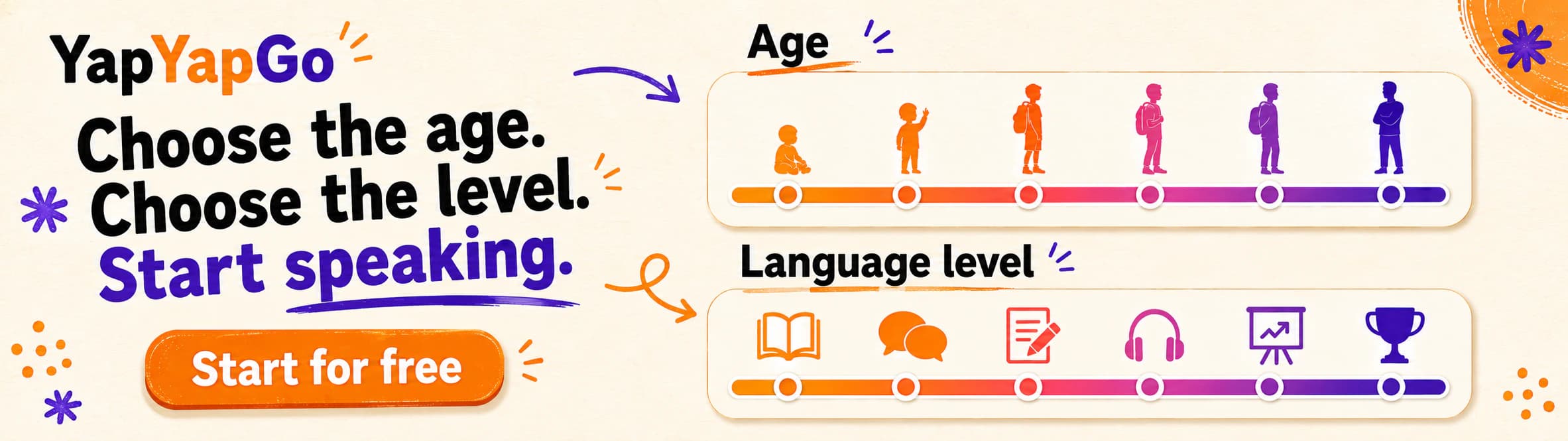
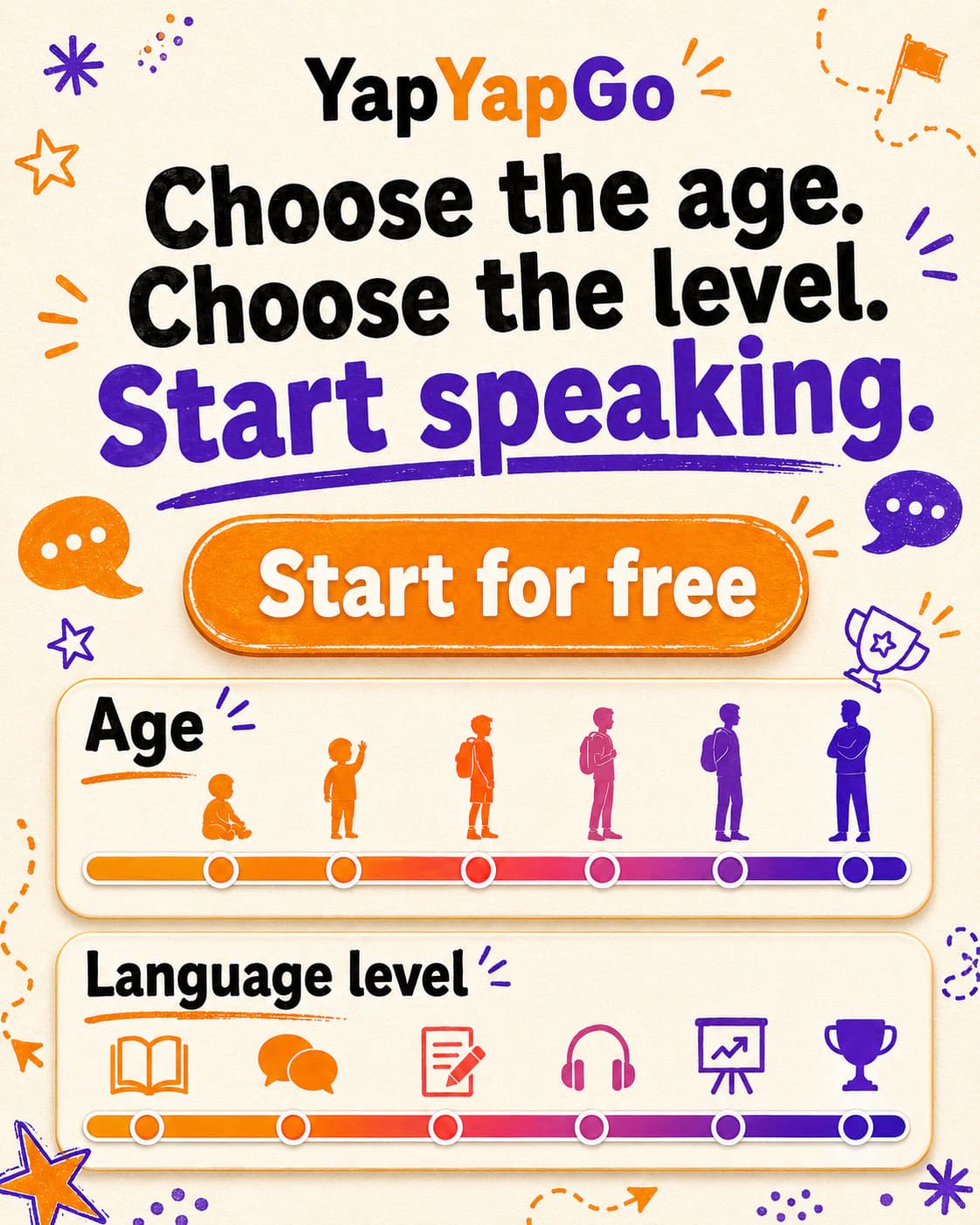
YapYapGo is built specifically for Category 3. It's a free classroom speaking practice tool for ESL/EFL teachers that handles student pairing (random, stretch, matched, or mixed), question delivery across six speaking modes, built-in timers, and cross-session question tracking - so your class never sees the same question twice until they've exhausted the entire bank.
Tool-by-tool breakdown
YapYapGo
What it does: Classroom-focused speaking practice. Six modes - Free Conversation,
Timed Talk, Topic Discussion, Debate,
IELTS Speaking (Parts 1–3), and AI-generated questions. Automatic student pairing with four pairing strategies. Questions matched to age group (teens, young adults, adults) and CEFR level (A2–C1). Built-in timers for timed activities. Cross-session question history so classes never repeat.
Best for: Any teacher who runs pair or group speaking activities regularly. Especially strong for
IELTS prep classes, conversation classes, and large classes where managing pairs manually is impractical.
What makes it different: It's the only tool designed specifically for
classroom speaking practice with physical students. No student accounts needed - the teacher runs everything from one screen. Zero prep: open it, pick a mode, shuffle, and students are talking within 60 seconds.
Price: Free tier available. Premium plans from $3/month.
Website: yapyapgo.com
ELSA Speak
What it does: AI-powered pronunciation and speaking practice for individual learners. Uses speech recognition to analyse pronunciation, fluency, and intonation.
Best for: Individual self-study and pronunciation improvement. Good as a homework recommendation for students who need targeted pronunciation practice.
Limitation for teachers: It's a student-facing app, not a classroom management tool. Doesn't help with pair work, group discussions, or whole-class speaking activities.
Website: elsaspeak.com
Talkio
What it does: AI conversation partner. Students can have voice conversations with an AI on various topics.
Best for: Solo speaking practice when no human partner is available. Good for students who are too anxious to speak with peers.
Limitation for teachers: Individual use only. Can't manage a class. Doesn't create the peer interaction dynamics that research shows are most effective for developing communicative competence.
Website: talkio.ai
Edcafe AI
What it does: Teacher-built AI chatbots that students speak with directly. Teachers customise each chatbot for a specific ESL speaking activity and add their own knowledge files, keeping conversations guided and on-topic.
Best for: Guided independent speaking practice - role plays and conversation activities where students need an AI partner, working within the context and goals their teacher has set.
Limitation for teachers: Like other AI partners, it's designed for individual student practice rather than managing physical pair work or whole-class speaking - and it assumes every student has a device to speak into.
Website: edcafe.ai
Kahoot
What it does: Game-based learning platform. Quizzes, polls, and interactive activities.
Best for: Vocabulary review, grammar drills, and energising a class. Students love the competitive element.
Limitation for speaking: Kahoot is a clicking tool, not a speaking tool. Students interact with screens, not with each other. It can prompt discussion, but it doesn't structure or manage spoken practice.
Website: kahoot.com
Nearpod
What it does: Interactive lesson platform with slides, polls, quizzes, VR experiences, and collaborative boards.
Best for: Mixed-skill lessons where you want embedded interactivity. Good for reading, listening, and vocabulary integration.
Limitation for speaking: Like Kahoot, interactions are screen-based. The platform doesn't facilitate or time spoken pair work.
Website: nearpod.com
Quizlet Live
What it does: Team-based vocabulary review using flashcard sets.
Best for: Vocabulary memorisation and review in a fun, competitive format.
Limitation for speaking: Zero speaking component. It's a matching/recall tool.
Website: quizlet.com
ChatGPT / Claude
What it does: General-purpose AI that can generate discussion questions, role play scenarios, and speaking prompts on demand.
Best for: Lesson planning and question generation. Teachers can quickly generate level-appropriate questions for any topic.
Limitation for classroom use: AI chatbots are question generators, not classroom managers. They can create questions, but they don't pair students, time activities, track what's been used, or display prompts for a class. The teacher still has to copy, paste, and manage everything manually.
Website: chatgpt.com /
claude.ai
The key insight: AI chatbots are great for planning speaking activities. YapYapGo is designed for running them. They're complementary, not competing. In fact, YapYapGo includes an AI-generated questions mode that uses AI to create fresh, level-appropriate questions on any topic - so the generation and delivery happen in one place.