Watch it work
Under ten minutes for both. Nothing loads from YouTube until you press play.
Read the full YapYapGo overview
For teachers
Help more students start speaking.
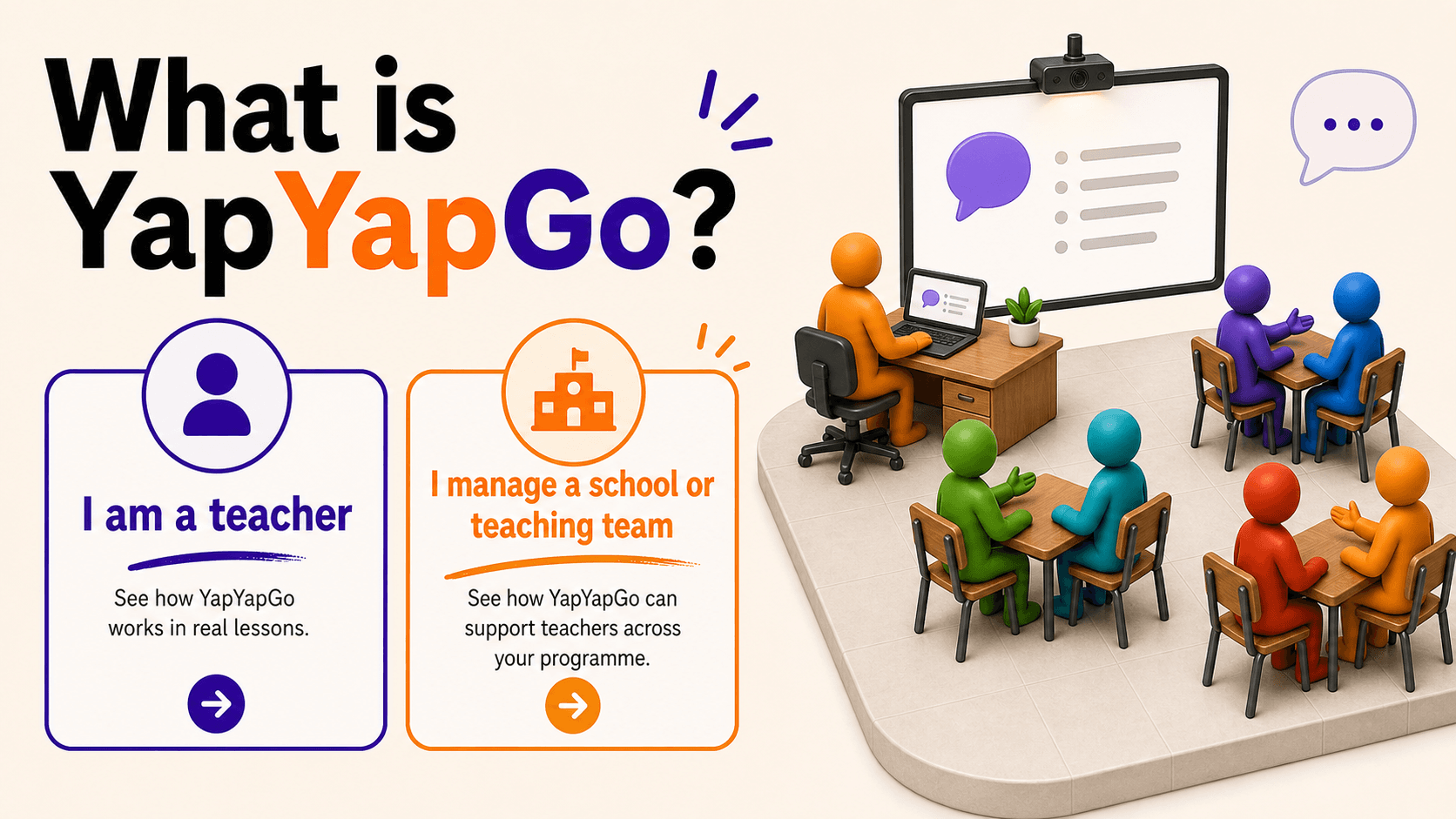
YapYapGo turns one shared screen or projector into a classroom speaking activity.
No student devices. No student accounts. Suitable for every age group and language level supported by YapYapGo.
Many English lessons are built for control, not communication.
Teachers explain, manage the class, check answers, and prepare students for tests, but this can leave very little time for every student to speak.
The result: students can spend years "learning English" while barely practising the skill they actually need.
One observational study of 12 ESL lessons found that teacher talk took 65% of class time, leaving each student with only about 23 seconds to speak in the study scenario.
Students don't become confident speakers by only studying English - they become speakers by using it.
Students need practice that makes them think, respond, and speak in real time.
Speaking reveals the gap between what students know and what they can actually use.
Research from the EEF suggests that structured speaking practice can give students the equivalent of an extra 6 months of progress compared with usual teaching methods within a school year.
Source: Education Endowment Foundation, Teaching and Learning Toolkit: Oral language interventions.
What types of classes do you teach?
Select all that apply.
- Kindergarten
- Young Learners
- Upper Primary
- Secondary
- High School
- IELTS
- University
- Adults
- Face-to-face
- Online
How a YapYapGo lesson works
- 1: Add your class list.
- 2: Create pairs or small groups automatically.
- 3: Project a speaking prompt while students practise together.
One shared screen. More students speaking.
Aim for more student speaking time.
Call on a random student or group to share at any moment.
When the room needs fresh energy, reshuffle the class and give students new speaking partners, including classmates at different ability levels.
Prompts matched to your class
Choose your students' age group and language level, from Young Learners (7–9) to Adults (18+) and from CEFR A1 to C2.
Explore more than 30,000 prompts designed for different classes and levels.
- Young Learners (7–9)
- Pre-Teens (10–12)
- Early Teens (13–15)
- Late Teens (16–18)
- Adults (18+)
- A1
- A2
- B1
- B2
- C1
- C2
Choose from six speaking modes
- Free Conversation: Open-ended conversation questions
- Timed Talk: Speak about a prompt for a set time
- Topic Discussion: Explore 20+ discussion categories
- Debate: Argue for or against a motion
- IELTS Speaking: Practise Parts 1, 2, and 3
- Custom Topic: Generate questions about almost any subject
Add a game when the class needs fresh energy
Let everyone practise first, then launch a game and select students from each team to speak and play.
Rate the quality of each response to reward effort, while the whole class gets a lively brain break.
Arcade puts the game at the centre
Students play in teams and are selected one by one to answer a prompt before playing the game.
It works well as an end-of-lesson reward, a high-energy speaking activity, or a way to encourage reluctant speakers.
It is also effective online, where team play and a rotating speaker queue give every student an opportunity to participate.
Progress comes from consistency
YapYapGo gives your class a low-friction routine that students can recognise and become comfortable with quickly.
You do not need to plan and explain a new speaking activity every week. Start YapYapGo and your students already know what to do.
Keep the routine consistent and give speaking confidence time to grow.
Practise every part of the IELTS Speaking test
Work through Parts 1, 2, and 3 separately, or organise a full mock speaking test with your class in moments.
Online classes make participation harder
Students have the whole internet competing for their attention, while quieter learners can avoid the microphone and leave the lesson to a few confident voices.
When microphones stay muted, teachers often fill the silence, and teacher talk begins to dominate the lesson.
Arcade gives every online student a turn
Add your class list and split students into teams. A rotating queue selects a student from each team and gives them a speaking prompt.
Rate responses to reward effort, then let the team play. Team membership and regular turns give students a reason to stay focused throughout the lesson.
With almost no preparation, you have a complete online speaking activity ready to run.
Take young learners from first words to real answers
Introduce vocabulary with visual flashcards, then use prompts that gradually move from repetition to real questions.
Organise the class into teams, select students fairly, and reward speaking with stars. Then spend those stars in Shooting Stars to keep effort and engagement high.
For schools and teaching teams
Help every teacher run more effective speaking practice
YapYapGo works from one shared screen or projector. Students need no devices or accounts.
Teachers can adapt activities from Young Learners (7–9) to Adults (18+) and from CEFR A1 to C2.
Many English lessons are built for control, not communication.
Teachers explain, manage the class, check answers, and prepare students for tests, but this can leave very little time for every student to speak.
The result: students can spend years "learning English" while barely practising the skill they actually need.
One observational study of 12 ESL lessons found that teacher talk took 65% of class time, leaving each student with only about 23 seconds to speak in the study scenario.
Students don't become confident speakers by only studying English - they become speakers by using it.
Students need practice that makes them think, respond, and speak in real time.
Speaking reveals the gap between what students know and what they can actually use.
Research from the EEF suggests that structured speaking practice can give students the equivalent of an extra 6 months of progress compared with usual teaching methods within a school year.
Source: Education Endowment Foundation, Teaching and Learning Toolkit: Oral language interventions.
How a YapYapGo lesson works
- 1: Teachers add a class list.
- 2: YapYapGo creates pairs or small groups automatically.
- 3: Teachers project a speaking prompt while students practise together.
One shared screen. More students speaking.
Help teachers aim for more student speaking time
Teachers can call on a random student or group at any moment, then reshuffle the class when the room needs fresh energy.
New partners, including classmates at different ability levels, keep speaking practice moving.
Prompts matched to every class
Teachers choose an age group and language level, from Young Learners (7–9) to Adults (18+) and from CEFR A1 to C2.
They can explore more than 30,000 prompts designed for different classes and levels.
- Young Learners (7–9)
- Pre-Teens (10–12)
- Early Teens (13–15)
- Late Teens (16–18)
- Adults (18+)
- A1
- A2
- B1
- B2
- C1
- C2
Choose from six speaking modes
- Free Conversation: Open-ended conversation questions
- Timed Talk: Speak about a prompt for a set time
- Topic Discussion: Explore 20+ discussion categories
- Debate: Argue for or against a motion
- IELTS Speaking: Practise Parts 1, 2, and 3
- Custom Topic: Generate questions about almost any subject
Engagement teachers can switch on
Teachers can add a game whenever a class needs fresh energy.
Students speak first, then play together, helping lessons stay lively without replacing the learning activity.
Online classes make participation harder
Students have the whole internet competing for their attention, while quieter learners can avoid the microphone and leave the lesson to a few confident voices.
When microphones stay muted, teachers often fill the silence, and teacher talk begins to dominate the lesson.
Give every online student a turn
Teachers add a class list and split students into teams. A rotating queue selects one student from each team and gives them a speaking prompt.
Teachers reward effort, then let the team play. Team membership and regular turns give students a reason to stay focused.
Give online teachers a repeatable speaking activity that takes almost no time to prepare.
Take young learners from first words to real answers
Teachers introduce vocabulary with visual flashcards, then use prompts that move from repetition to real questions.
Teams, fair student selection, stars, and Shooting Stars keep effort and engagement high.
Set up your teaching team in minutes
Create a YapYapGo for Schools account, choose the number of teacher seats, and send invitations by email.
Every invited teacher receives their own Premium account. Pricing is fully transparent, with larger discounts as your team grows.